
TL;DR:
- Gadgets often slow down without proper optimization, affecting battery life and responsiveness.
- Effective optimization involves an audit, removing unused apps, adjusting settings, and measuring real-world performance.
- Focus on practical tweaks that improve daily workflow, as real-world benefits outweigh theoretical performance gains.
Most tech enthusiasts set up a new gadget, use it for a week, and then wonder why it feels sluggish or drains battery by noon. The truth is that gadgets rarely perform at their peak right out of the box. Small inefficiencies stack up fast, and without a clear optimization process, you leave a lot of convenience and productivity on the table. This guide walks you through a proven, step-by-step approach to getting the most out of your devices, from smartphones and smart home tools to the viral gadgets that are reshaping how we live and work every day.
Table of Contents
- Assessing your gadgets and identifying optimization opportunities
- Gathering the right tools and essential prerequisites
- Step-by-step viral gadget optimization process
- Common mistakes, troubleshooting, and verification
- A fresh perspective: Real-world optimization beats theory
- Discover more optimized gadgets for your needs
- Frequently asked questions
Key Takeaways
| Point | Details |
|---|---|
| Catalog inefficiencies first | Start by listing your devices and identifying pain points like lag or battery drain. |
| Essential tools matter | Having the right software and a clean digital environment accelerates optimization. |
| Step-by-step process wins | Follow proven sequences: assess, prepare, implement, and verify for best results. |
| Avoid pitfalls | Don’t over-optimize; real-world improvements should always be your goal. |
Assessing your gadgets and identifying optimization opportunities
Before you change a single setting, you need an honest picture of where your gadgets stand. Think of this as a quick audit. You are looking for patterns of inefficiency that most people ignore because they happen gradually.
Common signs that a gadget needs attention include:
- Battery draining faster than expected even with light use
- Noticeable lag when switching apps or executing commands
- Excessive notifications pulling your attention every few minutes
- Apps running in the background that you never actually open
- Connectivity drops on smart home devices or wireless accessories
These symptoms are not random. Productive tech habits like using intent-before-app and zeroing out notifications can deliver a 35% gain in focus and reduce interruptions by 92%. That is a measurable difference you can feel within days, not weeks.
Start by listing every device you use regularly. Note how often you use each one, what tasks it handles, and where it frustrates you. This catalog becomes your optimization roadmap. You can also learn how small changes transform daily gadget use in ways that compound over time.
Here is a quick comparison of common gadgets and their optimization potential:
| Gadget | Main inefficiency | Optimization potential |
|---|---|---|
| Smartphone | Battery drain, notifications | Very high |
| Smart speaker | Slow response, connectivity | Medium |
| Wireless earbuds | Firmware lag, pairing issues | Medium |
| Smart home hub | Background processes | High |
| Laptop/tablet | Storage, startup speed | Very high |
Once you have this overview, prioritize gadgets that affect your daily workflow the most. Check out professional gadget tips to see how experts approach this triage process. The goal here is not perfection. It is clarity about where your time and effort will pay off the most.
Gathering the right tools and essential prerequisites
With your gadgets and inefficiencies cataloged, it is time to assemble the tools and build essential habits that make optimization easy and safe.
You do not need expensive software to get started. Many of the best tools are free or built directly into your operating system. Here is a practical overview:
| Tool | Platform compatibility | Function |
|---|---|---|
| Apple Instruments | iOS, macOS | CPU and memory profiling |
| Android Battery Historian | Android | Battery usage analysis |
| CPU-Z | Windows, Android | Hardware monitoring |
| Home app diagnostics | iOS, Android | Smart home device health |
| BetterBatteryStats | Android | Background process tracking |
Apple developer tools like Instruments enable detailed CPU optimization, identifying bottlenecks and improving performance by up to 400%. That kind of gain is not typical for everyday users, but even a fraction of that improvement makes a real difference in daily responsiveness.

Beyond software, habits matter just as much as tools. Digital declutter, which means removing apps and files you no longer use, clears the path for better performance. Time blocking, where you schedule specific periods for checking notifications, reduces cognitive load and keeps your devices focused on what matters.
Before you begin any deeper optimization, make sure you have these prerequisites in place:
- Back up all your devices before making changes
- Update firmware and operating systems to the latest stable version
- Charge devices to at least 80% before starting any process
- Note your current performance baseline (battery life, app load times)
- Disable auto-updates temporarily to avoid interference during testing
If you want to stay ahead of what is worth optimizing, browsing latest viral gadgets gives you a sense of which devices are already built with efficiency in mind. And if you are managing multiple devices across a workspace, the workflow optimization article covers how to coordinate them effectively.
Step-by-step viral gadget optimization process
With everything set up, let us dive into the actual viral gadget optimization process step by step.
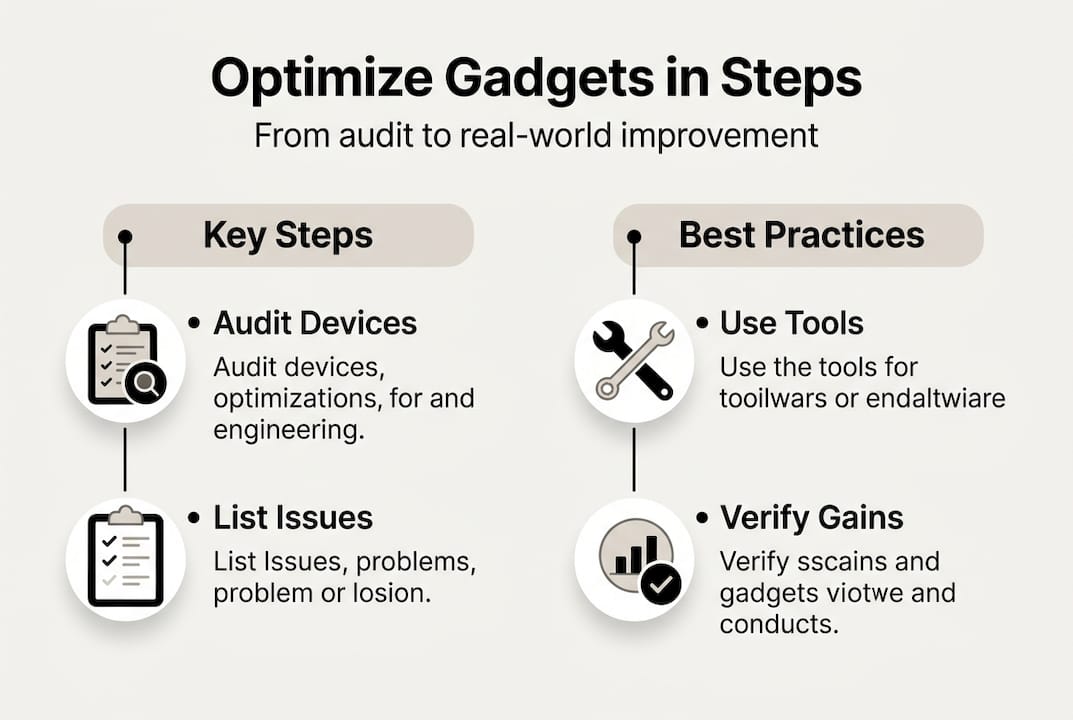
- Audit and remove unused apps. Go through every installed app and delete anything you have not used in 30 days. Unused apps consume storage, run background processes, and slow down your device silently.
- Restructure your notification settings. Allow notifications only from apps that require immediate action. Everything else goes to a scheduled summary or gets turned off entirely.
- Optimize power and cooling first. Before touching CPU or memory settings, make sure your device is not throttling due to heat or battery stress. This is the most overlooked step.
- Clear cached data and temporary files. Most devices accumulate gigabytes of cached data over months. Clearing this regularly improves read/write speed and frees up RAM.
- Adjust sync and refresh intervals. Email, social media, and cloud apps often sync every few minutes by default. Changing this to manual or hourly sync cuts background activity significantly.
- Profile performance under real workloads. Use your chosen profiling tool to measure CPU and battery usage while doing your actual daily tasks, not synthetic tests.
- Tune hardware settings last. Adjust display brightness, GPS accuracy, and Bluetooth scanning only after the software layer is clean.
Pro Tip: Prioritize power and cooling before touching CPU or memory settings. Devices that run hot or are battery-stressed will throttle performance regardless of any other tweaks you make.
Important: Avoid changing too many settings at once. Making multiple adjustments simultaneously makes it impossible to identify what actually helped or caused a problem. Change one variable, test it, then move to the next.
For more hands-on advice tailored to specific devices, the expert gadget tips section covers practical scenarios you can apply immediately.
Common mistakes, troubleshooting, and verification
After executing your optimization plan, let us make sure you avoid common pitfalls and confirm your upgrades are working as expected.
These are the most frequent mistakes people make during gadget optimization:
- Disabling too many notifications at once, making you miss genuinely important alerts
- Removing apps that are dependencies for other tools you still use
- Skipping the backup step and losing data when something goes wrong
- Judging results by synthetic benchmarks instead of real-world performance
- Over-tweaking settings until the device becomes unstable or unpredictable
- Ignoring firmware updates that often contain built-in performance improvements
If something goes wrong after optimization, start by reversing the last change you made. Most issues trace back to a single setting. If your device becomes sluggish after clearing cache, a simple restart usually resolves it. If an app stops working after a notification change, check its permission settings.
For smart home devices specifically, a factory reset followed by a clean setup often resolves persistent connectivity issues faster than troubleshooting individual settings. Check the workflow optimization tips for device-specific guidance.
Pro Tip: Always measure real performance improvements, not theoretical ones. Run your device through a full day of normal use and compare battery life, response speed, and focus quality against your baseline. Numbers from a benchmark app mean very little if your actual experience has not improved.
Sustained real-world efficiency is more important than synthetic benchmarks, and over-optimization can actually introduce instability. The goal is a device that works better for you, not one that scores higher on a test.
Verify your results by tracking three things over one week: battery end-of-day percentage, average app load time, and the number of times you felt interrupted by your device. If all three improve, your optimization worked.
A fresh perspective: Real-world optimization beats theory
Here is something most optimization guides will not tell you. Chasing perfect benchmark scores is one of the least productive things you can do with your time.
We have seen users spend hours tuning CPU governor settings on Android devices, squeezing out a 12% benchmark improvement, while their actual daily experience barely changed. Meanwhile, someone who simply turned off background app refresh and reorganized their home screen reported feeling dramatically more focused within 48 hours.
The uncomfortable truth is that real-world efficiency beats theoretical optimization every time. Your device exists to serve your workflow, not to impress a benchmark tool. Minor, practical tweaks that align with how you actually use your gadgets will always outperform extensive theoretical configurations.
Context matters enormously. A smart home hub that responds 200 milliseconds faster in a lab test is irrelevant if your actual bottleneck is a slow Wi-Fi router in the corner of your apartment. Measure what matters in your real environment.
Our advice: optimize for reliability and convenience first. Explore trending viral gadgets that are already engineered for efficiency, and spend your energy on the tweaks that change how your day actually feels, not just how your device scores.
Discover more optimized gadgets for your needs
If you are ready to take optimization further, we have curated collections and resources that connect directly to what you have just learned.

At AskNik.gr, we specialize in gadgets that are built for real-world convenience, not just impressive specs. Whether you are looking to upgrade your kitchen setup with kitchen gadget essentials or stay current with the devices shaping daily life, we have you covered. Browse our selection to see trending gadgets that are already optimized for efficiency. We offer free shipping and exclusive offers, so finding your next smart upgrade is simple and risk-free. Our team is always available if you need personalized advice on which gadget fits your workflow best.
Frequently asked questions
What is the best first step to optimize a viral gadget?
Start by disabling unnecessary notifications and monitoring battery usage. Zero notifications reduce interruptions by 92%, making this the fastest and most impactful first move.
Are optimization methods the same for all gadgets?
Most core principles apply universally across devices, but specifics vary by operating system and device type. Universal tech habits like decluttering and notification management work regardless of platform.
Can over-optimizing a gadget cause problems?
Yes. Excessive changes can introduce instability and unpredictable behavior. Focus on real-world efficiency rather than pushing every setting to its theoretical limit.
How do I verify if optimization has improved my gadget’s performance?
Test your device under normal daily workloads and track battery life and response speed over several days. Measuring performance under load gives you accurate, actionable results rather than misleading lab scores.