
Keeping up with your pet’s daily needs while managing a full schedule is genuinely hard. Greece has seen a sharp rise in pet ownership over the past five years, and with more households juggling work, commutes, and family life, the gap between what pets need and what owners can realistically provide keeps growing. Smart pet technology closes that gap. From automated feeders to self-cleaning litter boxes, the right tools can handle the repetitive tasks so you can focus on the moments that actually matter: playtime, bonding, and real quality time with your animal.
Table of Contents
- Why automate your pet care routine?
- What you need: Smart pet tools and requirements
- Step-by-step: Automating your daily pet care
- Troubleshooting and avoiding common automation pitfalls
- Measuring success: Signs your automated pet care is working
- Discover more smart solutions for your home
- Frequently asked questions
Key Takeaways
| Point | Details |
|---|---|
| Automation saves time | Integrating smart devices streamlines daily pet tasks and frees up your schedule. |
| Boosts pet well-being | Automated feeders and cameras reduce pet stress and support regular routines. |
| Choose the right tools | Pick reliable, multi-pet-compatible gadgets that fit your needs and home setup. |
| Troubleshoot early | Anticipate network or power issues by setting backups and verifying device operation regularly. |
Why automate your pet care routine?
Automation is not just a convenience upgrade. It is a genuine improvement to your pet’s quality of life. When feeding happens on a consistent schedule, digestion improves, anxiety drops, and your pet learns to trust their environment. That predictability matters more than most owners realize.
Here are the core reasons pet owners are switching to automated systems:
- Consistent schedules: Automated feeders and water dispensers deliver meals and hydration at the same time every day, even when you are stuck in traffic or traveling.
- Reduced separation anxiety: Pet cameras reduce separation anxiety by 30 to 50%, giving both you and your pet a calmer experience during the day.
- Less manual labor: Self-cleaning litter boxes, scheduled vacuums, and timed feeders cut down the daily chore list significantly.
- Peace of mind: Real-time app alerts let you know the moment something is off, whether that is a missed meal, an unusual movement, or a full waste drawer.
- Scalability: Multi-pet households benefit the most. Devices with individual pet recognition can track each animal’s habits separately.
The smart pet accessories guide on AskNik.gr breaks down which categories of devices deliver the most value for different household setups. And if you want a broader look at why this technology is worth the investment, the pet gadgets advantages 2026 article covers the long-term benefits in detail.
For elderly owners or those with mobility challenges, automation is not optional. It is essential. The growing ecosystem of apps, voice assistants, and smart home integrations means these devices work together, not in isolation.
What you need: Smart pet tools and requirements
Before you buy anything, take stock of what your setup actually requires. The right tools depend on your pet type, home size, and daily routine. Here is a breakdown of the core devices and what to look for in each:
| Device | Core features | Compatibility |
|---|---|---|
| Smart feeder | Scheduled meals, portion control, app alerts | iOS, Android, Alexa |
| Self-cleaning litter box | Auto-cycle, odor control, usage tracking | App-based, WiFi |
| Smart water dispenser | Filtered flow, hydration tracking | App-based |
| Treat camera | Two-way audio, treat toss, motion alerts | iOS, Android |
| Pet monitor/camera | HD video, night vision, activity tracking | WiFi, app-based |
Devices like the Litter-Robot 4 and PETKIT Purobot use rotating drums, sensors, and full app connectivity to automate waste management almost entirely. These are not gimmicks. They are engineered systems with real reliability records.
Beyond the devices themselves, you need:
- A stable WiFi connection (2.4GHz is most common for pet devices; some support 5GHz)
- A smartphone with the relevant apps installed and notifications enabled
- A reliable power source, ideally with a backup battery option
- Space planning: feeders and litter boxes need specific placement for sensors to work correctly
Pro Tip: Always prioritize devices with dual power support (battery plus mains). If your power goes out or your router drops, a battery backup ensures your pet still gets fed and the litter box still cycles. This single feature prevents the most common automation failure.
For a closer look at how these tools work day to day, the easier pet gadget use guide walks through real-world usage scenarios that match the Greek lifestyle.
Step-by-step: Automating your daily pet care
Setting up your automation system does not need to be complicated. Follow these steps and you will have a functioning routine within a day.
- Choose your anchor device: Start with either a smart feeder or a self-cleaning litter box. These two cover the highest-frequency daily tasks.
- Place devices correctly: Feeders go in a quiet, accessible spot away from foot traffic. Litter boxes need ventilation and enough clearance for the cleaning cycle to run.
- Download and configure the app: Connect each device to your home WiFi. Set your pet’s weight, feeding schedule, and portion sizes.
- Run a test cycle: Before leaving your pet alone with the device, run a full test. Watch the feeder dispense, confirm the litter box cycles, and verify that app alerts fire correctly.
- Add secondary devices: Once your core setup is stable, layer in a treat camera or water dispenser. Connect them to the same app ecosystem if possible.
- Set up notifications: Enable all alerts, including low food warnings, missed cycles, and connectivity drops.
Here is a quick comparison of the leading devices on the market right now:
| Feature | Litter-Robot 4 | PETKIT Purobot | Furbo 360 |
|---|---|---|---|
| Pet recognition | Weight sensor | AI facial recognition | Motion detection |
| App quality | Excellent | Very good | Good |
| Multi-pet support | Limited | Strong (AI-based) | Basic |
| Price range | High | Mid-high | Mid |
| Backup power | Optional add-on | Built-in battery | N/A |
The automatic pet feeder available on AskNik.gr is a strong starting point for households new to automation. It covers the basics reliably without overwhelming you with features.
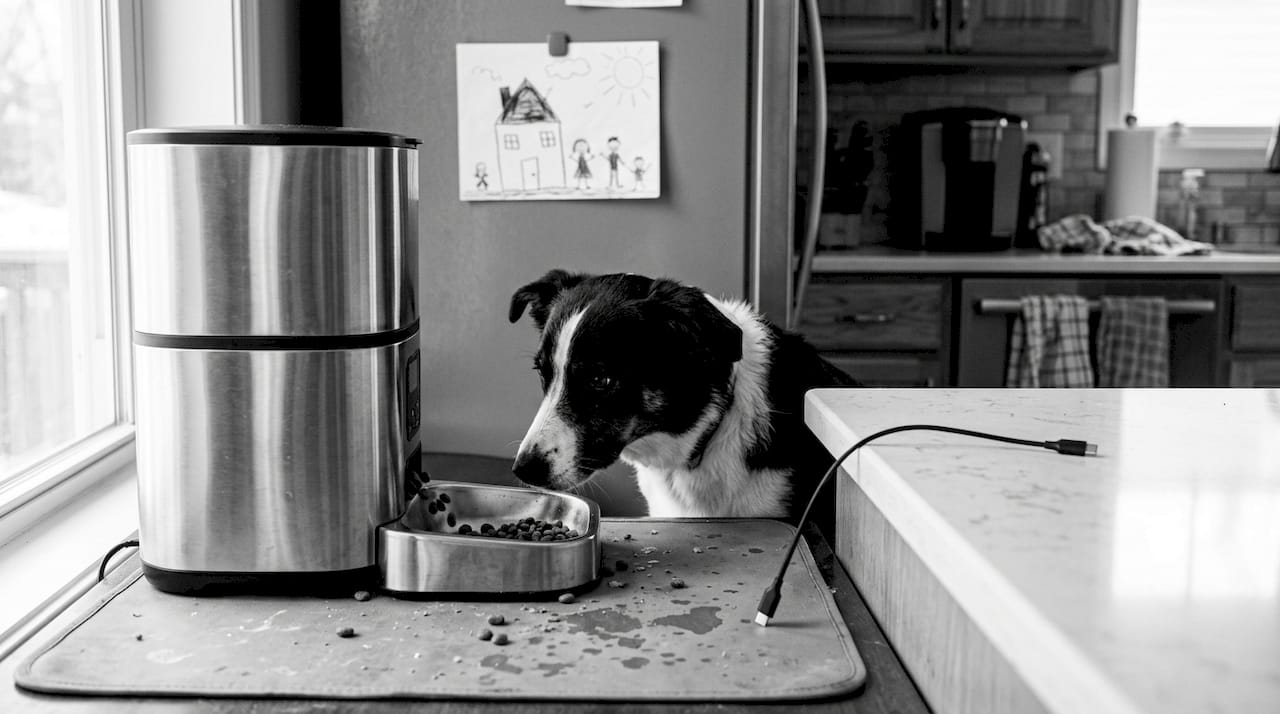
Pro Tip: In multi-pet homes, AI facial recognition is a game-changer. PETKIT’s system claims 99% accuracy in identifying individual cats, meaning each animal gets the right portion without competition or confusion. Weight-only sensors, like those in the LR4, can misread when two pets use the box in quick succession.
For a deeper look at how smart devices translate to measurable improvements, the 40% improved pet care article on AskNik.gr is worth reading before you finalize your setup.
Troubleshooting and avoiding common automation pitfalls
Even the best devices run into problems. Knowing what to expect means you can fix issues fast instead of discovering them after a missed meal.
The most common problems pet owners face:
- WiFi drops: The device goes offline and stops responding to app commands. Fix: place your router closer or use a WiFi extender dedicated to your pet area.
- Calibration errors: The feeder dispenses too much or too little. Fix: recalibrate portion sizes using the app after every food type change.
- False sensor alerts: The litter box triggers a cleaning cycle while the cat is still inside. Fix: adjust the motion sensitivity settings in the app.
- Power outages: Cloud or WiFi failures lead to missed feeds, which is why dual power devices are non-negotiable for reliable automation.
- App update conflicts: A firmware update can temporarily break device connectivity. Fix: always update both the app and the device firmware at the same time.
Important: After any setup change, WiFi network switch, or physical relocation of a device, run a full manual test cycle before leaving your pet unsupervised. Do not assume the device will work correctly just because it worked before the change.
Regular maintenance matters too. Clean sensors monthly, check for firmware updates every few weeks, and review your app notification settings after any phone OS update. The guide to smart accessories includes a maintenance checklist that is easy to follow.
For more detailed pet tech troubleshooting advice, the Litter-Robot 4 review covers real-world failure scenarios and how to handle them.
Measuring success: Signs your automated pet care is working
How do you know your system is actually doing its job? Look for these concrete signs:
- Consistent feeding times: Your pet waits near the feeder at the scheduled time. That anticipation is a sign of healthy routine formation.
- Calmer behavior during your absence: Neighbors report less noise, or your pet camera shows relaxed resting instead of pacing.
- Reduced litter box odor: The self-cleaning cycle is running correctly and on schedule.
- Fewer manual interventions: You are not rushing home to feed or clean. The devices are handling it.
- App alerts are informative, not alarming: Notifications tell you things are working, not that something has gone wrong.
Interactive treat cameras deliver some of the most measurable results. Benchmarks show 76% reduced anxiety with treat cameras in regular use, which is a significant outcome for pets that struggle when left alone.
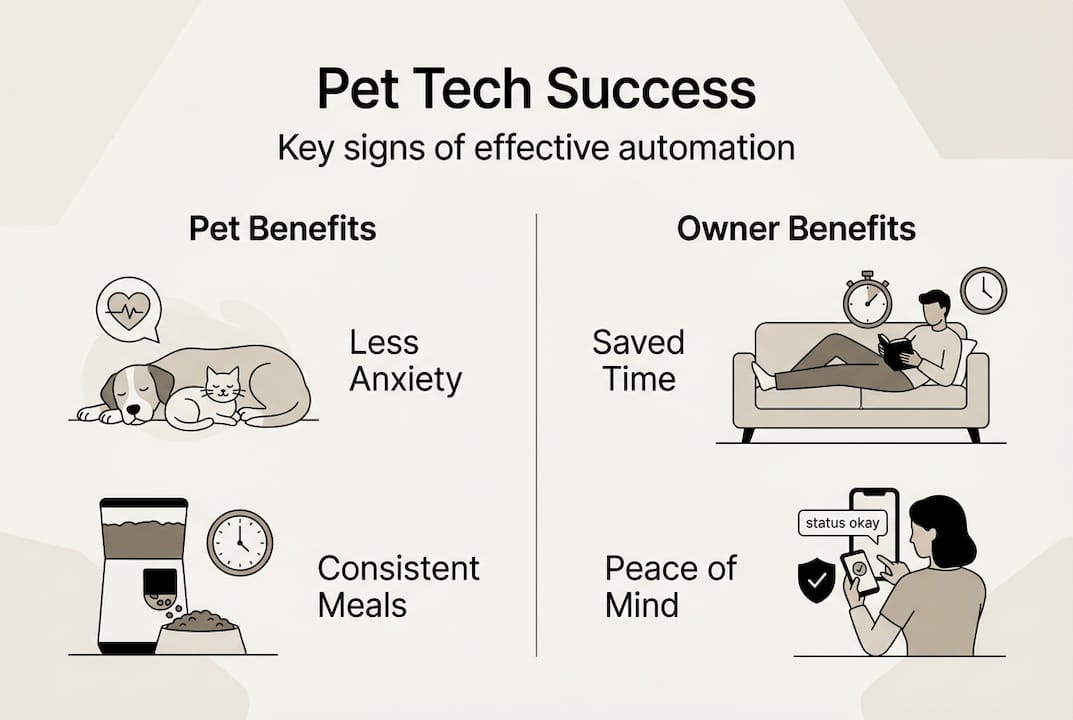
Track your pet’s behavior for the first two weeks after setup. Note changes in eating speed, litter box frequency, and activity levels. These are your real data points. If something seems off, adjust the schedule or portion size before assuming the device is faulty. Most issues come from settings, not hardware.
The pet gadget benefits article goes deeper into what behavioral improvements to expect and over what timeframe, which is useful for setting realistic expectations.
Discover more smart solutions for your home
Once your pet care routine runs on autopilot, it is natural to look at the rest of your home and ask: what else can be smarter? The same logic that makes automated feeders and litter boxes so effective applies to your kitchen, your cleaning routine, and your home monitoring setup.

At AskNik.gr, we curate smart solutions across every room in your home. From kitchen gadgets that save prep time to home monitoring tools that give you full visibility while you are away, the goal is always the same: less friction, more living. Browse our home tech essentials collection to find tools that slot naturally into the automated lifestyle you are already building. Free shipping and exclusive offers make it easy to upgrade one category at a time without overcommitting. Start with what your daily routine needs most.
Frequently asked questions
What is the easiest way to start automating pet care at home?
Begin with a smart feeder or a self-cleaning litter box. Both require minimal setup and immediately reduce the two most time-consuming daily tasks.
How can I be sure my pet is safe with automated devices?
Look for devices with safety sensors, manual override options, and dual power support. AI recognition accuracy in systems like PETKIT adds an extra layer of safety for multi-pet homes.
Do smart pet cameras actually reduce anxiety for pets?
Yes. Interactive pet cameras reduce separation anxiety by 30 to 50%, and treat cameras specifically show up to 76% anxiety reduction in regular use.
What should I do if my automation device fails?
Enable all app notifications, keep a backup power source active, and run a manual test after any network or location change. Dual power devices prevent the most common failure: missed feeds during outages.